Debug Mode | |
Debug Toolbar | |
Debug Tabs |
|
|
|---|
Errors
| This tab shows compiler warnings and errors. Click an item in the list to show the line in the script editor. 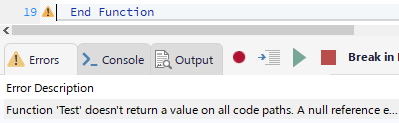
You can also hover over the icon in the editor margin to see the error description.
| Console
| In this tab you can execute and evaluate code statements in real time. To execute code, type the code in the console. To evaluate a statement or expression, prefix it with: ? 
| Output
| Shows the output from Print method executed in your code. Use the Print method to watch values from your code while it is running: 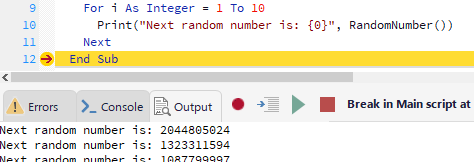
Program errors and other output from browser javascript, is also sent to this tab.
|
|
Debug controls |
|
|
|---|

| Show object inspector window. In the object inspector you can evaluate and view results in a tree or text view.
|
|
Evaluate Values | |



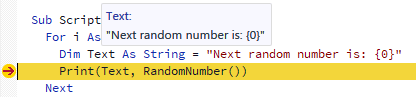
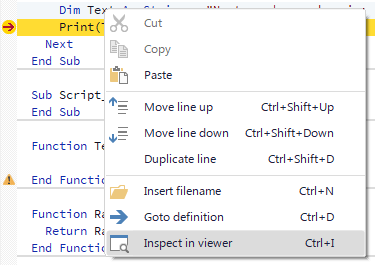
In the console, use the up/down arrow keys to cycle through the previous statements you have typed.